Memory of Memorie Controls Hub
PC and Nintendo Switch control references for Memory of Memorie menus, Pomodoro timer, and room customization.
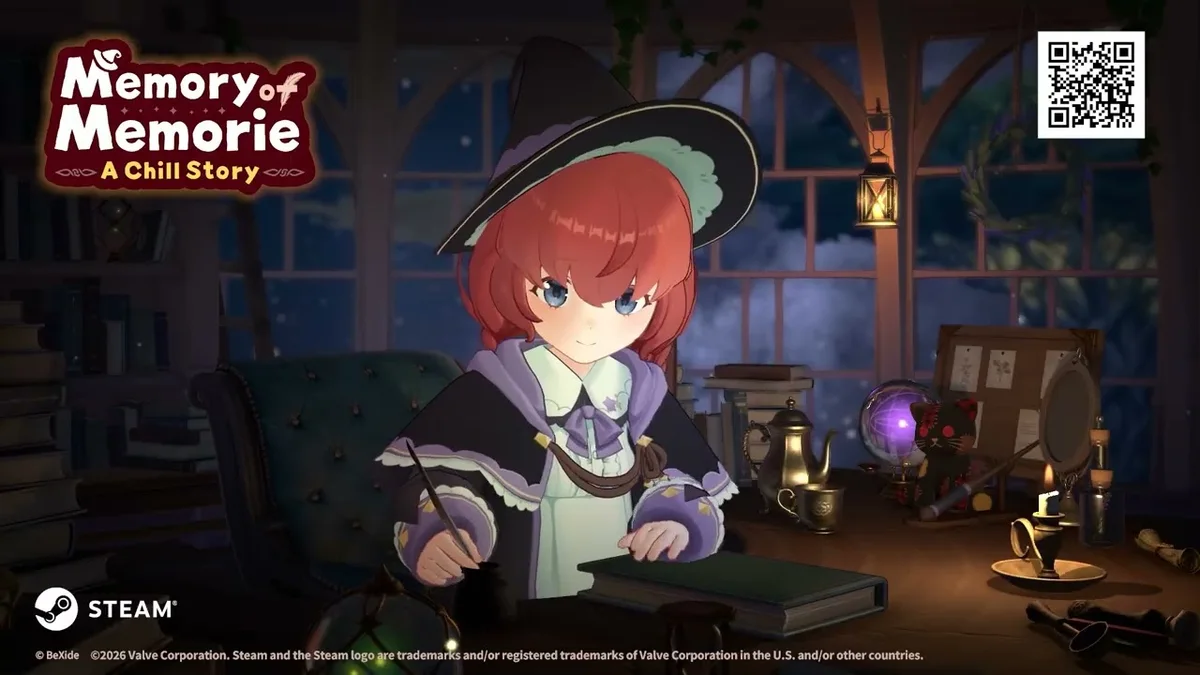
Quick access to control schemes for Memory of Memorie : A Chill Story across Steam PC/macOS and Nintendo Switch / Switch 2. Gameplay is menu-light; most inputs toggle the Pomodoro timer, navigate story prompts, adjust room decor, or open the calendar.
BeXide Inc. designed equal systems across platforms—only input hardware differs.
Articles
- PC Controls — mouse, keyboard shortcuts, ultrawide tips
- Switch Controls — handheld, docked, Joy-Con 2 mouse features
Universal actions (conceptual)
| Action | Typical access |
|---|---|
| Start/stop focus | Desk primary button |
| Open calendar | Menu tab |
| Spend keys / story | Lightroot or prompt icon |
| Decor mode | Room edit toggle |
| Pause (if available) | Platform-specific |
Exact bindings in platform pages—patches may add remapping on PC.
Accessibility
Check Steam and Switch OS-level accessibility (text size, contrast) plus in-game subtitle settings for EN/JA/ZH/KO support on Steam.
Why controls stay minimal in a focus game
Memory of Memorie : A Chill Story keeps input overhead low because BeXide Inc. expects you to type, draw, or read while Memorie keeps time in Elmana Village. Most sessions need only desk start/stop, occasional calendar checks, key spends at the Lightroot Tree, and room edit toggles. That design holds across Steam (Windows and macOS), Nintendo Switch, and Switch 2 Edition—the economy of Pomodoro blocks, experience, and story unlocks is identical even when buttons differ.
PC players often alt-tab to real work apps; the game accepts background keyboard use during focus blocks. Switch players may use Joy-Con 2 mouse-style pointing on supported hardware—details live in platform pages linked above. Neither platform demands fighting-game reflexes; achievements reward completed timers, not combo inputs.
Building muscle memory across platforms
Learn one platform deeply first, then cross-read the other page before switching devices mid-save. Cloud saves are not assumed here—confirm store documentation before moving from Steam to Nintendo. Pair control literacy with How to Play for first-week routing and Pomodoro Timer for what start/stop actually triggers in XP and calendar logging. When streaming, preset a comfortable decor camera via Presets so you rarely fumble menus on air.
Extended reference
This section adds practical context for control schemes across PC and Nintendo in Memory of Memorie : A Chill Story. BeXide Inc. released the title in July 2026 on Steam (Windows and macOS), Nintendo Switch, and Nintendo Switch 2 Edition. You play beside Memorie, an apprentice witch in Elmana Village, progressing through honest Pomodoro focus rather than combat grinding.
Keys arrive from experience level-ups after completed work blocks. Spend them at the Lightroot Tree for story beats or on room unlocks and magic unlocks documented in the Unlocks hub. The in-game calendar logs finished sessions—pair calendar streaks with Achievement Tips when hunting all 15 Steam achievements.
Platform parity matters for daily habits. Switch handheld sessions should still use in-game timer completion so calendar dots and XP register; PC players alt-tabbing during blocks risk losing focus without pausing real-world obligations. Demo veterans migrating saves should read Demo Progress Carryover before assuming key balances match a fresh start.
For session planning, cross-read How to Use Pomodoro, Experience and Keys, and Chapter Guide so control schemes across PC and Nintendo decisions align with your real schedule. Memorie’s chill tone rewards gentle consistency—return after busy days without punitive resets.
Community verification
Fan wiki pages update after major patches. Confirm store listings on Steam when key tables or achievement wording shift. Nintendo eShop notes for Switch 2 Edition may mention sharper UI scaling without changing Pomodoro rules.
Returning players often ask whether missed calendar days block story progress—they do not. Memorie waits at the desk until you finish your next honest block, then keys flow again from XP. Optional Lightroot Tree branches may need saved keys; note planned spends in Focus Session Planner before marathon study nights on Steam or Switch 2.
Switch 2 Edition
Buying or upgrading to Nintendo Switch 2 Edition? Read Switch 2 Edition Controls for Joy-Con 2 mouse support, sharper graphics, and the upgrade-path price during the launch sale.
Related
Controls should fade into muscle memory so focus stays on your real task.
Frequently Asked Questions
Quick answers about Memory of Memorie : A Chill Story.
Full controller support on PC?
Check Steam Input; game is mouse-friendly first.
Remapping on Switch?
System-level remapping only.
Touch on Switch 2?
Joy-Con 2 mouse mode where supported—see Switch page.
Keyboard during focus?
Required for real work on PC—game accepts background typing.